
Does your website need location pages?
If you serve several towns or neighbourhoods, you can often cover them on one service page. A dedicated location page is worth considering when customers in an area have specific questions about booking or getting the work done, and you have the experience to answer them.
Start with one area. What would someone there learn from a dedicated page that they couldn't learn from your existing site? The answer could be how to plan a photo session at a particular beach or how access affects work on a local property, supported by examples of your experience there. A completed job can make a useful project write-up on its own. If the only new information is that you cover the area, add it to your existing page.
 Sandymount beach session
 At-home family session
Decide what the customer needs to find
A location page explains how you provide a service in a particular area. For a business that travels to customers, it can describe your coverage and experience without suggesting that you have premises there. A service page explains a specific offer across the areas you serve. A project write-up documents an individual job or session.
| What the customer needs | Where to put it |
|---|---|
| To check whether you travel to their area | A coverage section on the service page or a single areas-served page |
| To understand a particular service, such as an at-home photo session | The service page, with relevant examples from across your coverage area |
| To see the work you did on one property or at one venue | A project write-up, portfolio entry or example on the relevant service page |
| To understand how the service works in a specific area and see local evidence | A dedicated location page, if you have enough to answer those questions |
One job can help in several places. The full account can live with your projects, while a short example on your service page shows what the work involves. If there's enough to say about the wider area, that same job can help demonstrate your experience on a location page.
Ask three questions before you create a page
- Do we actively take this work in the area? Confirm the services you offer there, any travel limits and whether you'd welcome more enquiries of that kind. A place you visited for one job may be outside your usual patch.
- What would the customer need to know about getting the service there? Look for questions about venues, access, travel, property types or how the visit works. Review the enquiries you handle yourself, or ask whoever answers them what customers in that area want to know. Search Console queries and existing enquiries can help you choose which area to work on first.
- What can we show or explain from experience? Pick details you can stand behind. Use photos you have permission to share, relevant work, a testimonial you can place in context or practical knowledge that affects the customer's plans.
Before writing, put your notes beside the existing service page. What extra help would a customer in this area get from a separate page? Look for an answer that helps them choose, prepare or enquire. An access issue may occur in several neighbourhoods and still be useful to explain. It does not have to be unique to one place, but the local page needs to add something beyond a changed town name.
How Dublin photographer Aurélie Lenoir uses location and service pages
Our client Aurélie Lenoir is a Dublin family photographer who offers sessions at home and outdoors. One of her outdoor settings is Sandymount Strand, a beach in Dublin. Her website shows how a location page and a service page can help families choose and plan a session.
Her Sandymount page helps parents decide whether a session on the strand suits their family. It shows photographs, links to a real session and explains how tides, weather and children's routines affect the plan. It also asks whether the family needs a shorter walk or will bring a buggy, so they can agree on a suitable meeting point. The location is part of what the family is choosing, so those details belong together on a page about that setting. Family Photographer in Sandymount
Her at-home page helps parents make a different choice: whether to have the session in their own home. It explains what they might do together, how to choose a time and whether the house needs to be tidy. Stories from Stoneybatter and Dollymount show that approach in different homes. The neighbourhoods give the sessions context, while the practical advice applies across Dublin. Those examples can support one at-home service page. At-Home Family Photography in Dublin
What each page helps families decide
Page excerpts from Aurélie Lenoir Photography.
LOCATION PAGE
A session at Sandymount
Published planning advice
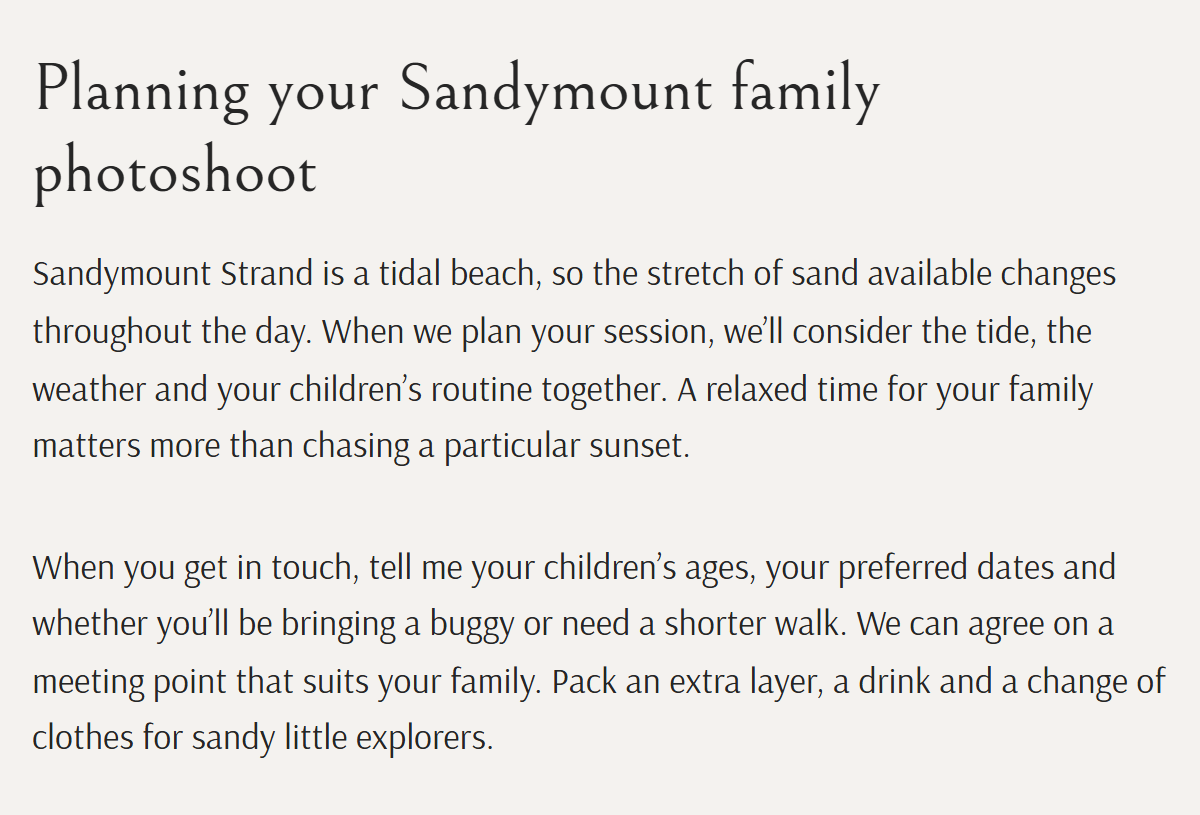
The beach shapes the plan.Tides, weather and the walk to the meeting point affect this session.
SERVICE PAGE
At home, across Dublin
Two gallery captions from the same service page
Local stories support one service.Different neighbourhoods illustrate the same approach to sessions at home.
Use the same question for your own site: is the customer choosing a particular setting or area, a service format, or looking at one completed job? That gives you a better starting point than creating a page for every place you cover.
How Driveways & Patios Dublin shows its local experience
Our client Driveways & Patios Dublin installs driveways, patios and garden paving for homeowners in Dublin and surrounding areas. One of its completed garden projects is in Chapelizod, an area in west Dublin.
The company's page for Chapelizod combines photographs of the finished garden with practical information about working on local properties. Its access guidance explains how narrow passages, small front gardens and limited space for machinery can affect excavation, material deliveries and waste removal. A homeowner can use that information to understand what the team will need to assess at their property. Driveway & Patio Contractors in Chapelizod
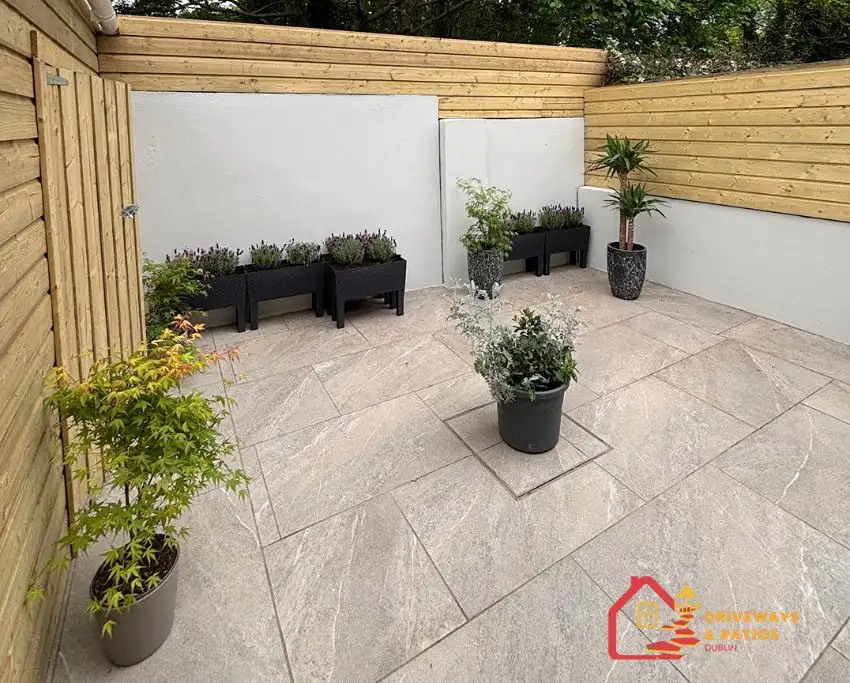
The project helps answer "Have you done work near me?" The practical guidance helps answer "Could you handle my property?" If you can only answer the first question, the completed job can still make a useful project write-up or service-page example. A separate location page needs enough information to help with the second.
What to put on a location page
- Service and coverage. Say what you do in that area and who you can help. Make it clear if you travel to the customer or meet at an agreed location.
- Useful local information. Explain how the area or setting affects the work, the visit or the booking. Focus on details the customer can act on.
- Relevant evidence. Show a project, a photo or a testimonial that supports the page. Explain what it demonstrates.
- A way to enquire. Tell the visitor what information you need to start. That might be their area and a description of the work, or their preferred date and session type.
- A route to related information. Link to the main service page for details that apply across areas. Give the location page a route in from that service page, a coverage hub or a relevant project.
You can reuse a layout and link several location pages to the same main service page. Each location page should still help the visitor on its own. Google's doorway-abuse policy covers pages created for similar search queries that lead people through intermediate pages with less value than the final destination. A set of near-identical town pages that adds little before sending everyone onward risks that pattern. Give each page useful information and a clear place in your site's navigation. Google Search spam policies on doorway abuse
Start with one area
Pick an area you want to work in and open the service page you already have. Write down one question a customer in that area would ask, one example or detail that helps answer it, and the next step you'd offer them. If those notes can stand on their own as a helpful page, you have the beginnings of a location page. If they fit neatly into an existing service or project page, put them there.
If you're deciding which work and areas to prioritise in the first place, our trades guide covers how to make that choice. SEO for trades in Ireland
Send us the URL of your main service page and one area you're considering. We can help you work out whether the information belongs on that page, in a project write-up or on a dedicated location page. Discuss your location pages
You can also read more about Webiwant's local SEO services.